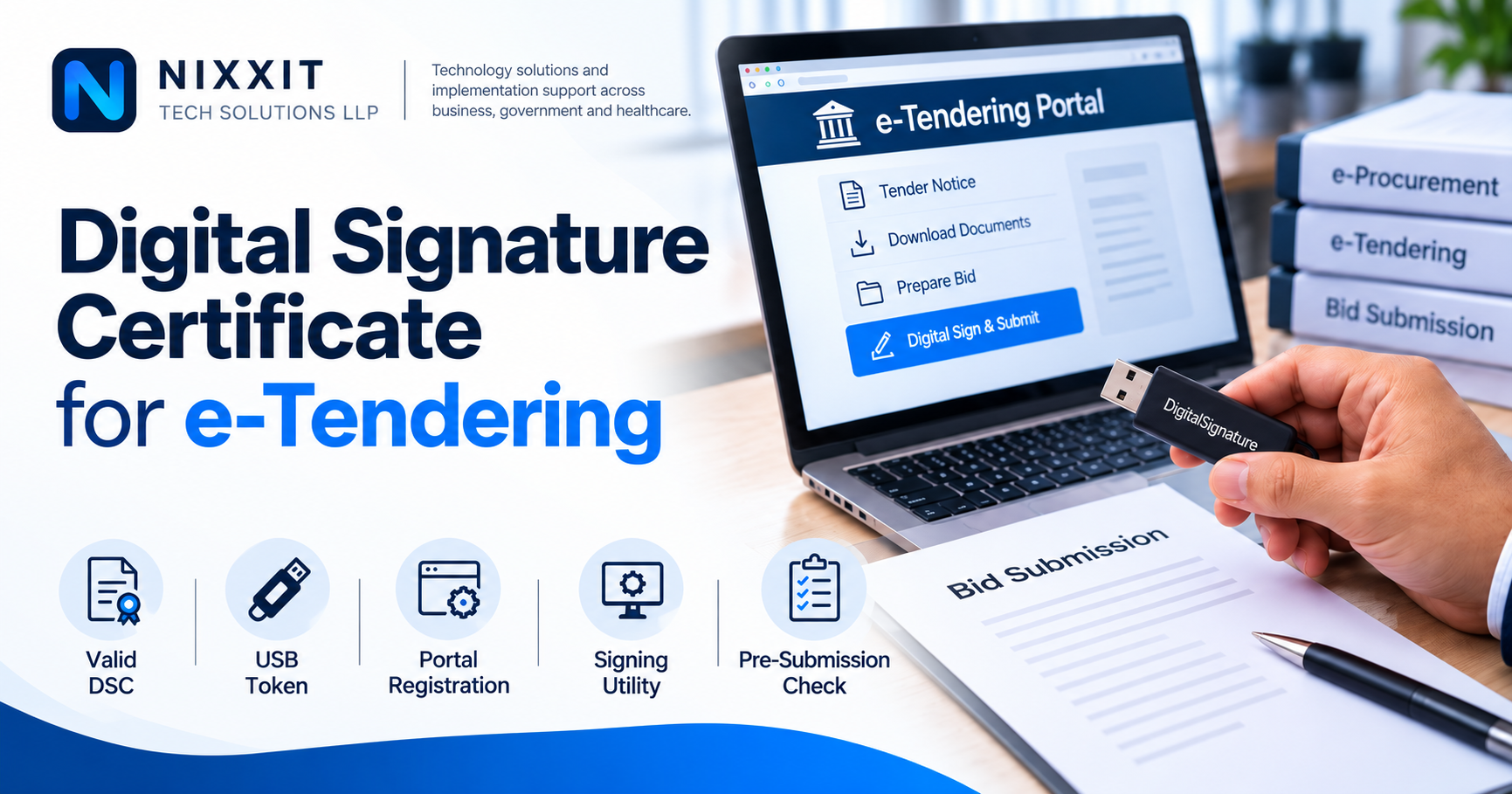
A Digital Signature Certificate may take only a few minutes to use, but small issues with the certificate, token, browser or portal registration can delay an entire tender submission. Here are the basic checks users should complete before starting an e-Tendering process.
A DSC problem usually appears at the wrong time
For many users, the Digital Signature Certificate becomes important only when a tender has to be submitted, a document has to be signed or a portal asks for digital authentication.
That is also when small problems become urgent.
The certificate may have expired. The USB token may not be detected. The certificate may not be registered on the portal. The signing utility may not be running. Sometimes the user discovers the problem only a few hours before the submission deadline.
A little preparation can avoid most of these situations.
Check the validity of the certificate
Before starting any important online transaction, confirm that the Digital Signature Certificate is valid and has not expired.
If the certificate is nearing expiry, it is better to complete the renewal process in advance instead of waiting until the last day of a tender or other transaction.
Users should also make sure that the certificate belongs to the person or organisation that is expected to sign on the concerned portal.
Confirm that the USB token is working
The DSC is generally accessed through a secure USB cryptographic token.
The token should be detected properly by the computer and the required token driver should be installed.
It is useful to check the token on the same computer that will be used for the final submission. A token working on one system does not automatically mean that all required components are available on another system.
Portal registration is equally important
Having a valid DSC does not always mean that it is ready for use on every portal.
Many e-Tendering and e-Procurement systems require the DSC to be registered or mapped with the user account before documents can be digitally signed.
This step should be completed well before the actual tender submission.
If a certificate has recently been renewed or replaced, users should also check whether the new certificate needs to be registered again on the portal.
Check the signing utility and browser requirements
Different portals may use different signing utilities or local applications for accessing the DSC.
Before beginning the final submission, check whether:
the required signing utility is installed,
the service is running,
the browser is able to communicate with it, and
the portal is detecting the certificate correctly.
Doing this check in advance is much easier than troubleshooting it close to the submission deadline.
Do not wait for the last day
A large number of DSC-related problems are manageable when there is enough time.
The difficulty comes when certificate renewal, token configuration, portal registration and tender submission all have to be completed together.
For organisations and bidders who regularly participate in online procurement, DSC readiness should be treated as part of the tender preparation process itself.
Where NIXXIT supports users
NIXXIT Tech Solutions LLP supports users with Digital Signature Certificate requirements including issuance and renewal assistance, token-related guidance, certificate registration and practical support for using DSCs on supported digital platforms.
We also assist organisations and participating vendors in navigating e-Tendering, e-Procurement and e-Auction processes on established platforms.
For assistance with a Digital Signature Certificate or its use in an online tendering process, contact NIXXIT Tech Solutions LLP.